
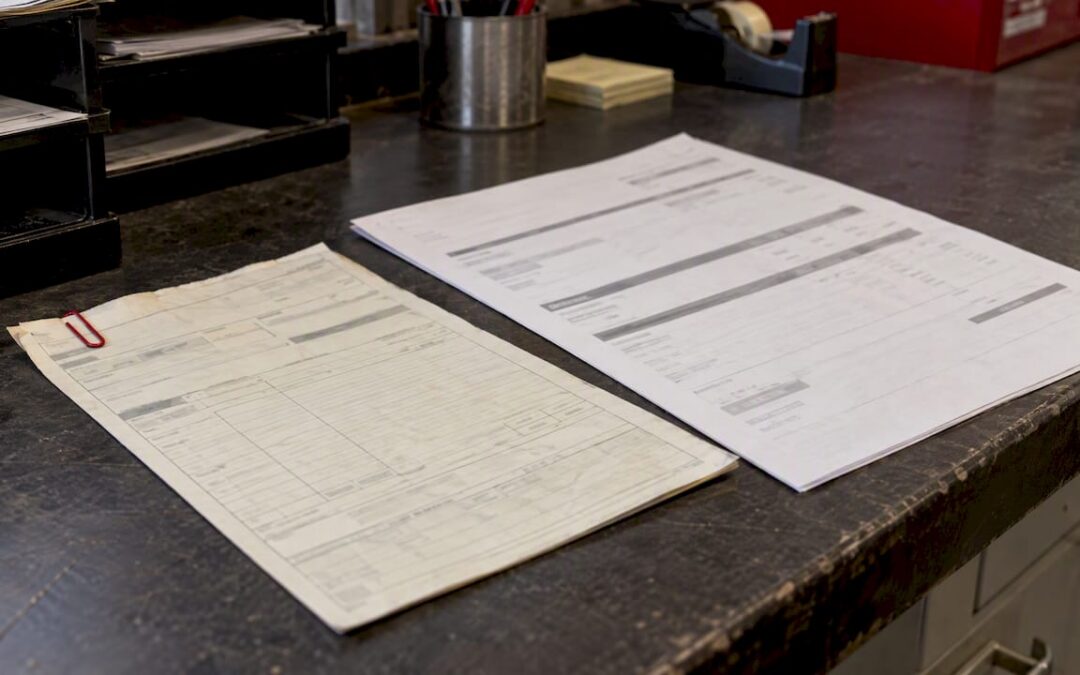
The best fuel delivery invoice format pairs a PDF for the final signed copy with Excel or Google Sheets for the underlying calculations, and Word for simple one-off jobs. Every invoice needs an invoice ID, delivery date, fuel type and volume, unit price, taxes, and proof of delivery. Pick the format that matches your accounts payable workflow, then prepare the proof-of-delivery attachment before generating the final PDF.
TL;DR:
- Match the purchase order number and line descriptions exactly to the buyer’s records; accounts payable systems may reject otherwise accurate invoices for mismatches.
- State dyed or clear diesel tax status on each product line, and reference the Product Transfer Document when applicable to support tax records.
- Attach the signed proof of delivery and scanned ticket, including the delivery date and time, volume, and product code copied from the ticket.
- Mark each partial delivery or deposit as interim in the invoice title, then reference the final invoice when the job closes.
- Keep fuel, service charges, and tank rental on separate invoice lines so accounts payable can assign each cost to its correct budget code.
Table of Contents
- Which downloadable templates fit your fuel delivery workflow
- What every fuel delivery invoice needs to survive an audit
- How to turn a delivery ticket into an AP-ready invoice
- What a fuel delivery invoice looks like in practice
- Invoicing mistakes that slow down payment
- How a well-run fuel delivery invoice is structured
- FAQ
- Sources
- Get your fuel delivery invoices right from the first drop
Which downloadable templates fit your fuel delivery workflow
Operations teams and drivers generally prefer a printable PDF because it holds its layout on any device and attaches cleanly to a delivery ticket. Accounts payable staff usually prefer Excel or Google Sheets because formulas catch math errors before an invoice goes out, and a locked calculation cell cannot be overwritten by accident in the field.
Keep a short list of formats on hand rather than hunting for a new template every time a billing scenario changes:
- PDF: best for the final, signed copy sent to a customer’s AP department.
- Excel or Google Sheets: best for calculating totals, taxes, and surcharges before export.
- Word or Google Docs: fine for simple, low-volume invoices without multi-line math.
- Browser-based invoice generators: useful for quick one-off jobs without a template on file.
Whichever format you choose, build in the fields specific to fuel delivery rather than relying on a generic service invoice. That means a field for product tax status (dyed versus clear diesel), a purchase order reference, a delivery ticket or manifest ID, and a signature block for proof of delivery. A generic invoice template rarely has room for all four, and bolting them on later invites inconsistency.
Version control matters more here than on a typical invoice because fuel pricing and surcharges shift often. Keep one master template with locked formulas and formatting, then save each week’s or month’s working copy with a date in the file name. That way a pricing change never bleeds backward into invoices already sent, and you always know which version produced a given bill.
What every fuel delivery invoice needs to survive an audit
An invoice that is missing a single field can stall payment for weeks or trigger a compliance question during a tax review. The EPA’s purchasing and invoice documentation guide calls for delivery date, purchaser and vendor details, an invoice number, signatures, and clearly itemized costs on any invoice tied to fuel purchasing records.
Build the invoice around these groups of fields:
- Header and reference: vendor name, customer name, invoice number, invoice date, purchase order number, and contract or job number.
- Delivery details: delivery date and time, site address, delivery ticket or route ID, and driver or vehicle ID.
- Product line items: fuel type, volume, unit of measure, unit price, and line subtotal, with DEF, additives, and tank rental billed as separate lines rather than folded into the fuel total.
- Additional charges: fuel surcharge, delivery fee, emergency premium, and any environmental fee, each on its own line.
- Tax and compliance notes: explicit product tax status (dyed versus clear) and a reference to the product transfer document when one applies.
- Proof of delivery: a signed POD and a scanned copy of the delivery ticket attached to the invoice.
One field causes more payment delays than any other on a fuel invoice: the missing or mismatched purchase order number. Enterprise AP systems frequently auto-reject an invoice when the PO reference does not match their procurement record exactly, regardless of how accurate the rest of the invoice is.
The tax status line deserves its own attention. Dyed diesel is taxed differently than clear diesel under federal rules, and recordkeeping tied to the Product Transfer Document protects both the seller and the buyer if a tax authority asks for proof later. Leaving that status implicit, rather than stated plainly on the line item, is one of the easier mistakes to avoid and one of the costliest to clean up after the fact.
How to turn a delivery ticket into an AP-ready invoice
Work from the source document outward rather than starting with a blank invoice. The delivery ticket and the proof of delivery carry the facts that matter most, and copying them in the wrong order is where most rework starts.
- Pull the ticket ID, the signature date and time, the delivered volume, and the product code straight from the delivery ticket and POD.
- Fill the header and purchase order fields before anything else, since a missing PO reference is the most common reason an automated AP system rejects an otherwise correct invoice.
- Let Excel or Google Sheets formulas calculate quantity times unit price, apply tax, and total the invoice, then lock those cells so a stray keystroke cannot change a figure after the fact.
- For partial deliveries or deposits, label the document clearly as an interim invoice and reference the final invoice that will follow once the job closes.
- Export the finished invoice as a signed PDF and attach the POD and any ticket scans before sending it to the customer’s AP contact.
Pro Tip: Build your unit price and tax formulas once in a master sheet, then protect those cells so every invoice you generate from it inherits the same math without manual re-entry.
Partial deliveries deserve a word of their own. When a tank fill runs in stages or a deposit precedes a final reading, mark each document as “interim” or “final” in the invoice title itself, not just in a note field, so AP staff can match documents to the right stage of the job without asking.
What a fuel delivery invoice looks like in practice
Seeing the line items laid out for a specific job makes the structure easier to copy than any description of fields in the abstract.
- Scheduled recurring delivery: a fixed volume at a set unit price, plus a flat delivery fee, billed on standard net terms.
- Emergency after-hours delivery: the same fuel line as a scheduled job, but with an emergency premium on its own line and the POD attached to confirm the after-hours time stamp.
- Bulk tank fill: a per-gallon rate, a separate tank rental line, and a document labeled “initial,” “interim,” or “final” depending on where the fill sits in the job.
- DEF-only delivery: billed by gallon with the unit of measure stated plainly, since DEF is sometimes quoted by weight elsewhere and the mismatch confuses reconciliation.
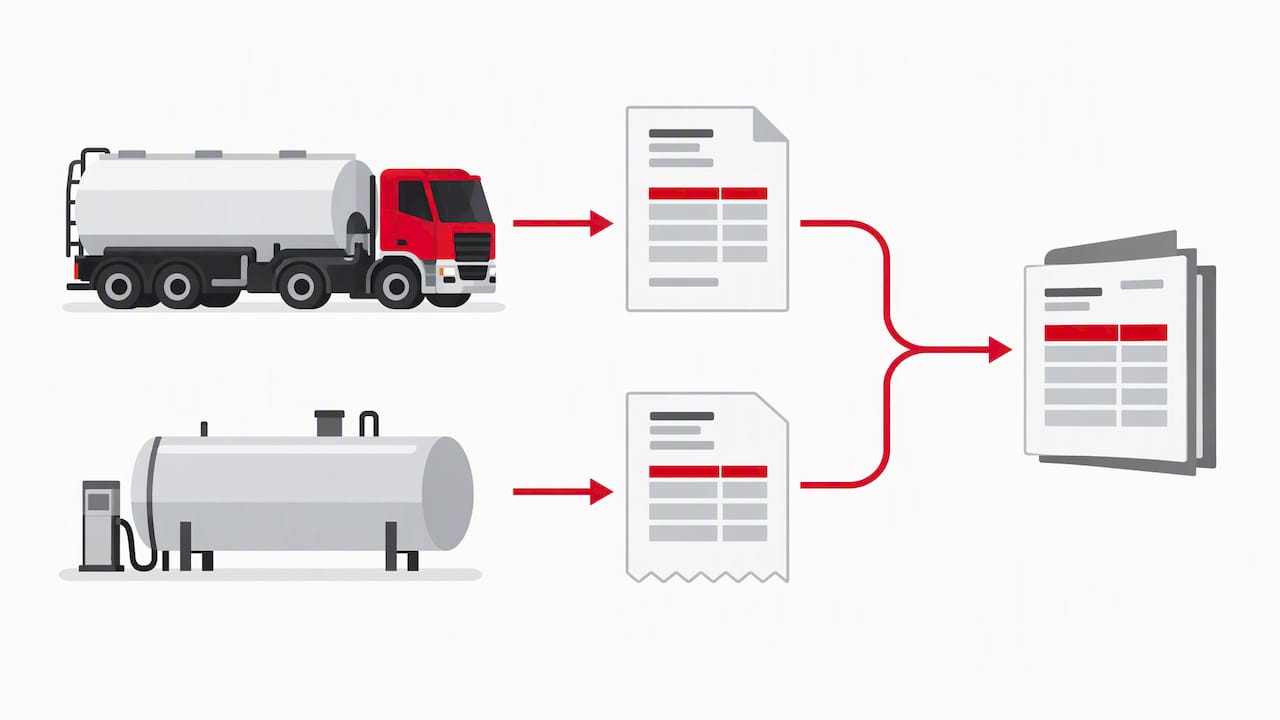
- Combined delivery: fuel, services, and rental kept on separate lines so AP can reconcile each cost type against its own budget code.
| Scenario | Core line items |
|---|---|
| Scheduled recurring | Fuel volume, unit price, delivery fee |
| Emergency after-hours | Fuel volume, unit price, emergency premium, POD timestamp |
| Bulk tank fill | Per-gallon rate, tank rental fee, fill stage label |
| DEF-only | DEF volume (gallons), unit price |
Separating fuel, services, and rental into distinct lines, rather than bundling them into one total, is what lets a buyer’s AP team code each cost against the right budget line without calling your office to ask what it covers.
Invoicing mistakes that slow down payment
A handful of errors account for most of the rejected or disputed fuel invoices we see referenced across procurement guidance, and all of them are preventable with a short check before sending.
- Missing or mismatched PO number: the single most common reason an AP system auto-rejects an invoice.
- Inconsistent line descriptions: a fuel line that reads differently from the PO’s own wording can trigger a manual review even when the numbers match.
- No POD or signature date: without it, the invoice has no proof the delivery happened as billed.
- Inconsistent units or decimal precision: gallons quoted to two decimals on one line and whole numbers on another invites a reconciliation question.
Run a short checklist before any invoice goes out: PO number matches the buyer’s record, invoice number is unique, a tax line is present where one applies, attachments are included, and the currency is correct if the customer operates outside standard U.S. dollar billing. Label dyed diesel and clear diesel explicitly on every line rather than assuming the customer already knows which tank it came from. That single label prevents a regulatory question from turning into a drawn-out dispute later.
How a well-run fuel delivery invoice is structured
A clean fuel delivery invoice reads in the same order an AP clerk works through it: header first, purchase order next, delivery ticket details after that, then product lines, then charges, then proof of delivery. That sequence is not arbitrary. It mirrors how reconciling an invoice against a delivery actually happens, so nothing forces the reviewer to jump around the page.
Keeping fuel, services, and tank rental on separate lines rather than one bundled total is a habit worth adopting regardless of delivery size:
- Fuel volume and price stand alone, so a tax or surcharge question never touches the base commodity price.
- Service charges, like emergency premiums or wet hosing, sit on their own line so they can be approved or questioned independently.
- Tank rental is billed separately from the fuel itself, since rental terms and fuel pricing often run on different schedules entirely.
For deeper detail on what belongs on the delivery side of that paperwork, our guide to fuel delivery manifests walks through ticket and route documentation that should travel with every invoice.
FAQ
Can you provide an example of a delivery invoice?
A fuel delivery invoice example typically lists the vendor and customer details, invoice number, delivery date, fuel type and volume, unit price, any surcharges or rental fees, tax status, and a signed proof-of-delivery section. The scheduled, emergency, and bulk tank fill examples above show how those fields change depending on the job type.
Can ChatGPT generate an invoice?
A general-purpose AI tool can draft invoice text or a basic layout, but it cannot pull real delivery data, calculate accurate totals from your pricing, or attach a signed proof of delivery. For fuel deliveries specifically, a locked Excel or Google Sheets template tied to your actual ticket data is more reliable than AI-generated text alone.
Can I download a free PDF copy of the transport bill format?
Free PDF and Word transport bill templates are widely available from template providers and accounting software sites, and they work as a starting point for a basic bill of transport. For fuel delivery specifically, add fields for product tax status, delivery ticket ID, and proof of delivery, since standard transport templates rarely include them.
What is a delivery invoice?
A delivery invoice is the billing document issued after goods, in this case fuel, reach a customer’s site, itemizing what was delivered, at what price, and under what terms. It differs from a delivery ticket or manifest, which records the delivery itself, though the invoice should reference that ticket and its signed proof of delivery.
Get your fuel delivery invoices right from the first drop
Clean invoicing starts with reliable delivery data, and that is where we built our process from the ground up. We provide transparent, itemized invoicing on every delivery, whether that is a scheduled top-off, an emergency after-hours run, or a bulk tank fill with its own rental line.
Across our fuel services, including red and clear diesel, gasoline, DEF, and mobile fleet fueling, we separate fuel, service charges, and rentals into distinct lines on every invoice so your AP team never has to guess what a number covers. Our dispatch and billing process keeps delivery tickets, signatures, and invoice data tied together from the moment a driver arrives on site, which is the same structure this guide recommends building into your own templates.
If your current fuel vendor’s paperwork keeps creating reconciliation headaches, request a fuel delivery quote and see how an invoice built the right way the first time changes your AP workload.
Recent Comments